![HMLogo RGB high res.png]](https://knowledgebase.hollandmechanics.com/hs-fs/hubfs/HMLogo%20RGB%20high%20res.png?height=48&name=HMLogo%20RGB%20high%20res.png)
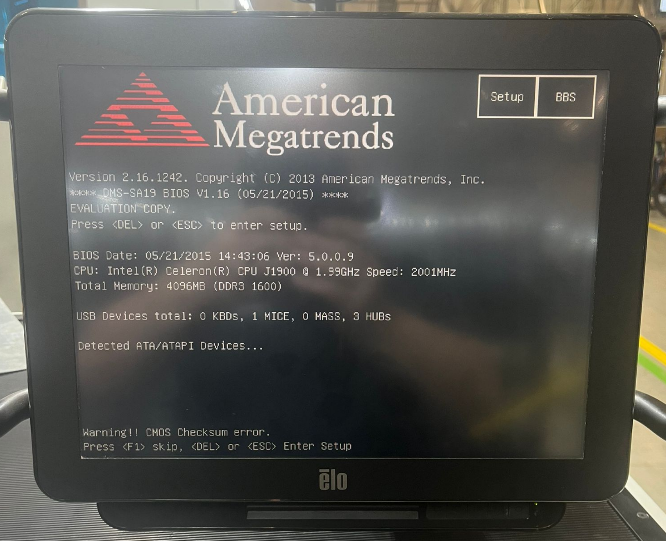
If the screen is showing kind of this message
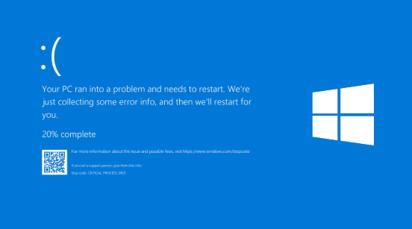
it can be a problem with the BIOS settings and/or battery.
Replacement of battery:
To access the button cell battery, the back cover needs to be opened. The battery (usually a CR2032 3V) should be located near the motherboard. Carefully remove it and insert the new battery (HM Part Number AEPCBC32).
After the replacement, you will most likely receive a message like "CMOS Date/Time not set". To resolve this, go into the BIOS (mostly F2) and set the date and time. You also need to check the SATA settings.
Check of SATA settings:
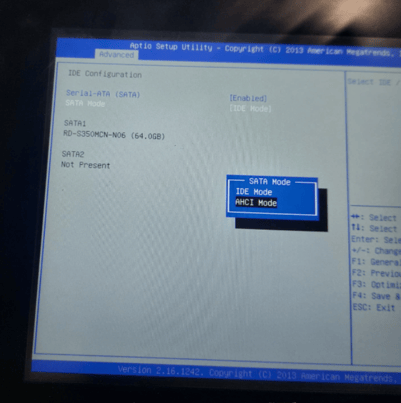
These can be found in the BIOS settings under the Advanced tab - IDE Configuration - SATA Mode. Here, AHCI Mode must be selected. After saving the settings, the PC will restart and the MMI will load as usual.
Same problem on an older version of Touch PC: